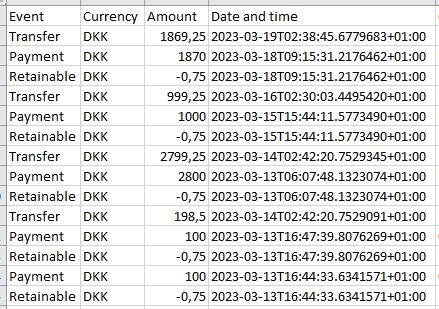
Allegro IT ApS developed a MobilePay import function for FriendPay on behalf of Kobborg Consult. The function works by placing the CSV file exported from MobilePay in a designated folder. A single button click in the system then loads the file or files. Comments are scanned for national ID numbers, and if found, the ID number and date of birth are added to the customer record.
After import, a process runs that analyses the new payments and matches them to previous payments, preventing duplicate donor records. Matching is done on mobile number, name, and optionally national ID number.
If no match is found, a new donor is created. If a match is found, the payment is linked to that donor. If multiple matches are found, the payment is flagged for manual review.
The entire process is automated and only requires files to be placed in the correct folder — a small integration that saves time on every set of books and makes sure the national ID numbers from the comment field end up on the right customer record, ready for the tax report.